
Blog
Getting started with Launch Kit
· Dan
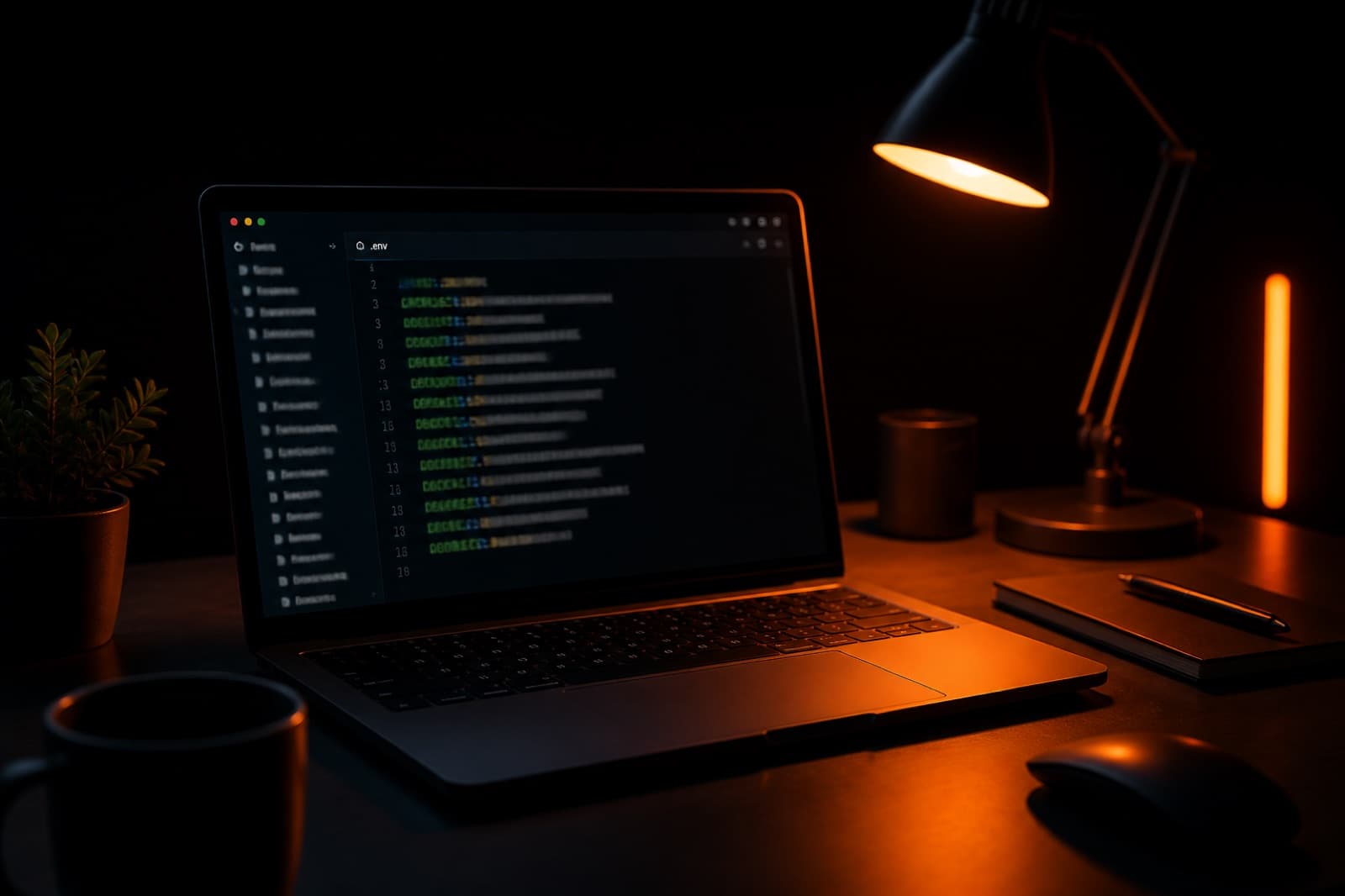
Start with the keys
Copy .env.example to .env.local. Add your Supabase, Stripe, and Resend keys. The rest of the app reads from those values.
1. Make it yours
Open config.ts and set your product name, domain, and Stripe price ID. The landing page, emails, and SEO tags all pull from that file.
2. Run it locally
Install dependencies and start the dev server. Sign-in, checkout, and the dashboard are already wired. Spend the rest of the day on the product, not the plumbing.
npm install
npm run dev
Add another article by dropping a new .mdx file in content/blog. The filename is the URL. edit-config.mdx becomes /blog/edit-config. Put cover images in public/blog with a descriptive filename and a real coverImageAlt.
Ready to ship?
Auth, payments, and email are already wired. Pay once and spend the week on the product.
Get Launch Kit