
Blog
Add images to your blog
· Dan

Every public post should have a cover. The listing card, the article header, Open Graph, Twitter, and the Article JSON-LD all read coverImage and coverImageAlt from the frontmatter at the top of the file.
Cover fields
Put the file in public/blog. Name it like the topic, not image-1.jpg. Then set both fields:
coverImage: /blog/add-images-to-your-blog.jpg
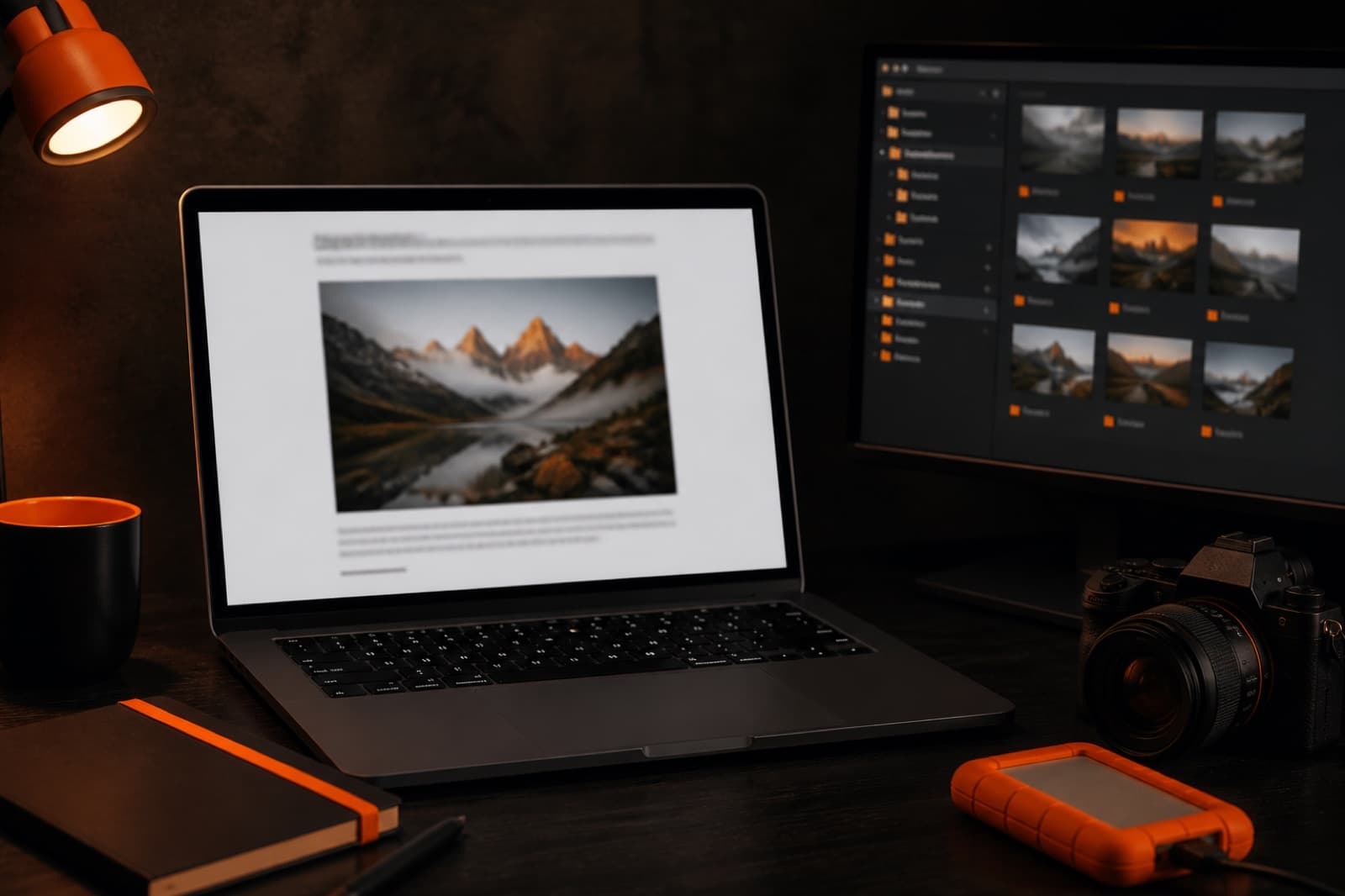
coverImageAlt: A laptop on a dark desk showing an article with a large photo
coverImageAlt is the accessible name of the photo. It is also the Open Graph alt and the JSON-LD caption. Do not leave it blank.
Inline images
Markdown works if the alt is real:

Use <BlogImage> when you want a caption. Captions sit under the photo. They do not replace alt text.
What the kit already does
- Next.js
Imagewith width, height, andsizes, so the file is not a raw<img>. - Missing alt throws at build, so a blank image does not ship.
- Cover images are
priorityon the article page. - Open Graph type is
article, with width, height, and alt. - Twitter uses
summary_large_imageand the same cover. - JSON-LD uses an
ImageObject(url, width, height, caption).
Compress covers before you commit. Around 1600px wide is enough. The files in public/blog are the examples to copy.
Ready to ship?
Auth, payments, and email are already wired. Pay once and spend the week on the product.
Get Launch Kit